Do You Need an AI Avatar for Your Training Video? A Practical Comparison
Why This Question Matters More Than Ever
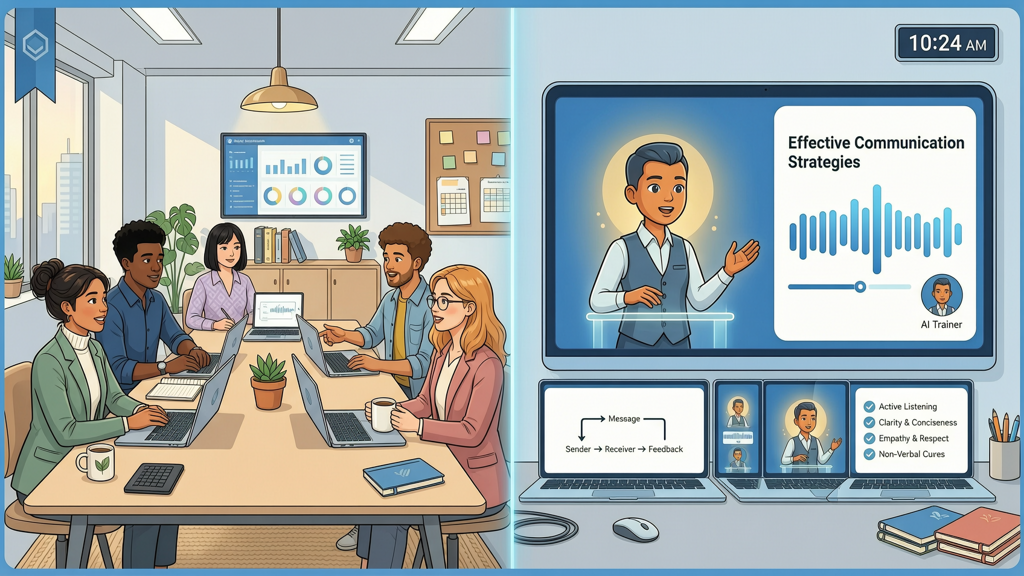
Training videos are no longer just supplementary—they’re central to onboarding, compliance, skill development, and knowledge retention. With AI tools now mature and widely accessible, the question isn’t whether you can add an AI avatar to your training video—it’s whether you should. The choice between an avatar-led presentation and a clean, slide-faithful narration isn’t about novelty or trend-chasing. It’s about alignment: matching delivery method to learning objective, audience context, content complexity, and organizational constraints.
This article offers a practical, neutral comparison—not of specific vendors, but of two distinct conceptual approaches. We’ll clarify where each excels, where they overlap, and where one may actively undermine your goals. No hype. No bias. Just actionable insight for instructional designers, L&D managers, and internal comms professionals.
When an AI Avatar Adds Real Value
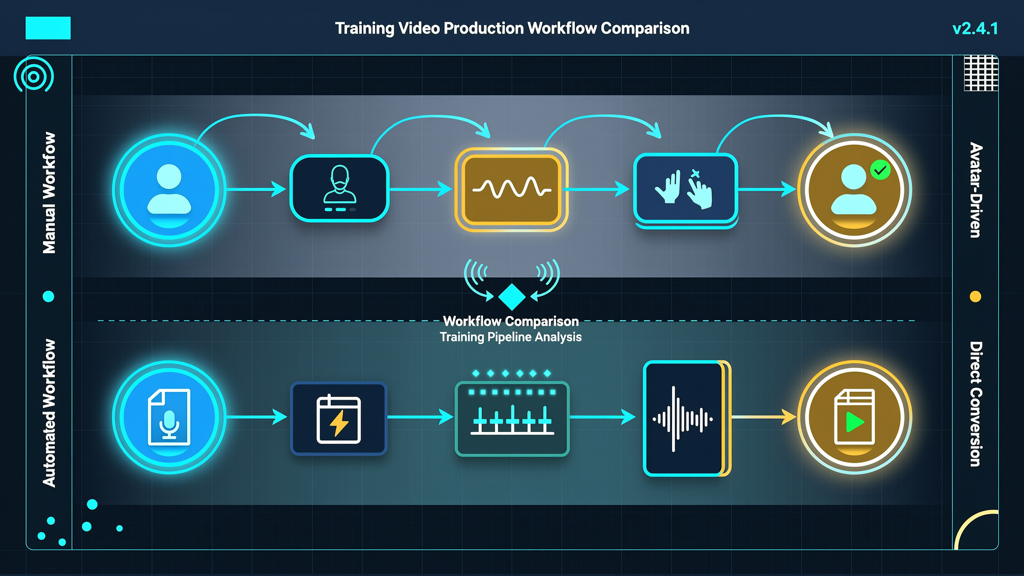
An AI avatar—human-like or stylized, speaking with natural cadence and expressive cues—introduces a layer of social presence. Research in multimedia learning consistently shows that learners often engage more deeply when content feels personally addressed. But this benefit isn’t universal. It emerges most strongly in contexts where:
- Human connection drives engagement: Onboarding new hires, soft-skills modules (e.g., empathy, feedback delivery), or culture-orientation content benefit from warmth, tone modulation, and visual anchoring. An avatar signals “this is for you”—not just “here’s information.”
- Consistency across global teams is critical: When regional trainers vary in fluency, pace, or cultural nuance, a well-calibrated AI avatar delivers uniform messaging—without sacrificing vocal expressiveness or pacing control.
- Scalability meets personalization: For large-scale programs requiring multilingual versions, avatars streamline localization. Voice, lip sync, and gestures adapt reliably across languages—far more efficiently than re-recording human talent for every variant.
- Brand voice needs reinforcement without live talent: A branded avatar (e.g., consistent color palette, tone, posture) can become a recognizable ambassador—especially useful for recurring series like leadership briefings or quarterly policy updates.
Importantly, avatar effectiveness hinges on quality execution: natural speech rhythm, appropriate pauses, subtle facial movement, and alignment between spoken words and visual emphasis. Poorly synced or overly robotic avatars risk reducing credibility—not enhancing it.
When Slide-Faithful Narration Is the Smarter Choice
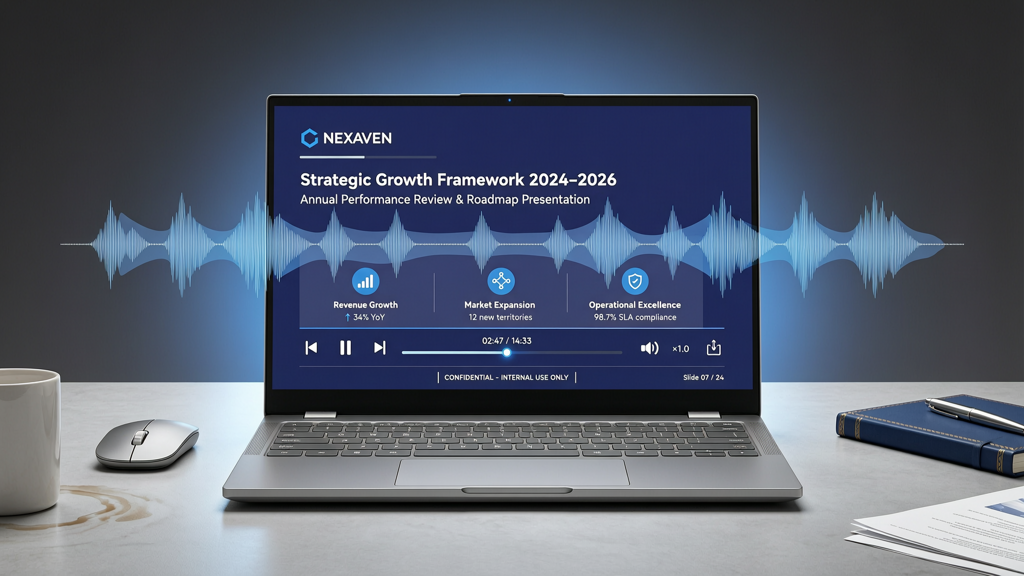
Slide-faithful narration—where voiceover precisely follows the on-screen slide content, with no avatar visible—excels where fidelity, clarity, and efficiency matter most. This approach prioritizes the slide as the primary information carrier, using audio as a supportive, non-distracting guide. It shines in scenarios such as:
- Dense technical or regulatory content: Think cybersecurity protocols, financial reporting standards, or pharmaceutical manufacturing SOPs. Learners need to read exact definitions, step-by-step diagrams, and compliance language. Visual clutter—even a subtle avatar—can split attention and impair comprehension.
- Branded slide decks with strict governance: Many enterprises enforce rigid template guidelines (font families, logo placement, animation logic). Inserting an avatar risks compromising layout integrity, forcing compromises in slide hierarchy or timing. Slide-faithful narration preserves the original design intent—no cropping, resizing, or layering required.
- Tight timelines and constrained resources: Producing avatar-led videos involves extra steps: script adaptation for natural speech, avatar selection and customization, lip-sync validation, and gesture-timing review. Slide-faithful narration reduces production complexity significantly—often cutting development time by 30–50%.
- Accessibility-first environments: Screen reader compatibility, transcript accuracy, and synchronized captioning are simpler to guarantee when audio maps directly to static, text-rich slides. Avatars introduce motion and visual abstraction that can complicate WCAG conformance if not rigorously tested.
Crucially, slide-faithful doesn’t mean “bland.” High-quality narration—with intentional pacing, strategic emphasis, and clear diction—delivers authority and polish. Tools like SlideToTalk enable rapid, professional voiceover generation directly from PowerPoint or Google Slides, preserving slide structure while adding human-sounding narration in minutes—not days.
Key Decision Factors: Beyond Aesthetics
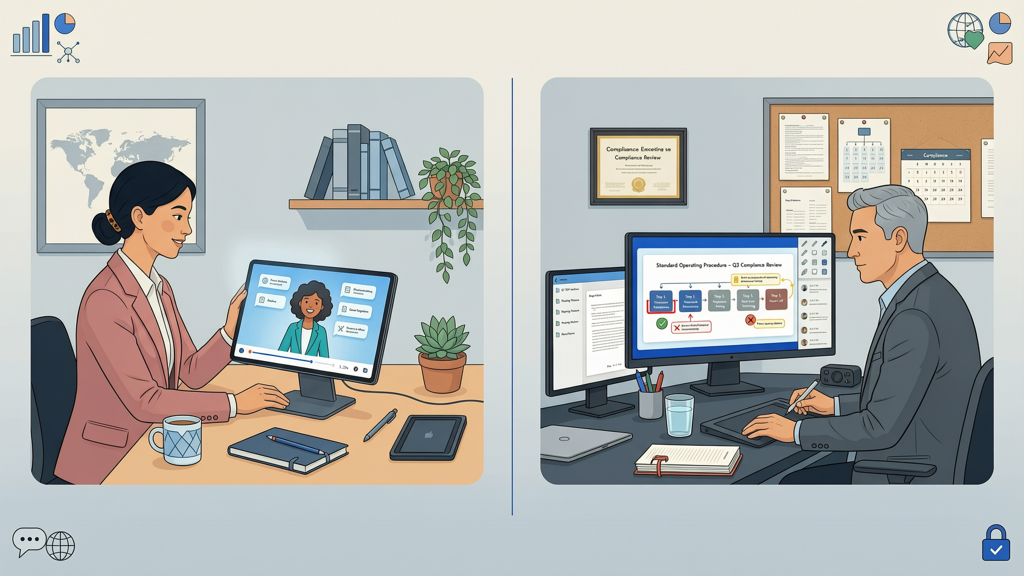
Choosing between avatar-led and slide-faithful isn’t intuitive—it requires weighing concrete operational and pedagogical variables. Consider these five decision filters before committing:
- Learning objective type:
- → Choose avatar-led for behavioral change, attitude shift, or relationship-building goals (e.g., “demonstrate active listening,” “model inclusive language”).
- → Choose slide-faithful for knowledge recall, procedural accuracy, or regulatory adherence (e.g., “identify the three required fields in Form X,” “list the six HIPAA breach notification steps”).
- Audience profile:
- → New or diverse audiences (e.g., frontline staff, global learners) often respond better to avatar-led social cues.
- → Expert or time-constrained audiences (e.g., engineers, auditors, clinicians) typically prefer minimal visual noise and maximum data density—favoring slide-faithful delivery.
- Content volatility:
- → Frequently updated content (e.g., software UI changes, policy revisions) is faster to revise in slide-faithful format—just edit the slide and regenerate narration.
- → Stable, evergreen content (e.g., company values, safety principles) justifies upfront investment in avatar customization and reuse.
- Production ownership:
- → Teams with limited design or AV support gain agility with slide-faithful tools that require no video editing or asset management.
- → Larger L&D teams with dedicated media specialists can leverage avatar platforms to build reusable, on-brand presenter assets.
- Measurement priorities:
- → If completion rate and engagement time are top KPIs, avatar-led may lift both—provided execution quality is high.
- → If assessment pass rates, time-to-proficiency, or audit readiness are primary, slide-faithful’s clarity and precision often yield stronger outcomes.
Practical Tips for Making the Right Call
Here’s how to apply this framework in real-world workflows:
- Start with a pilot segment: Select one 3–5 minute module—ideally representing your most common content type—and produce both versions. Test with a small learner group using identical questions (e.g., “Which version helped you remember the key steps?” “Which felt easier to follow while multitasking?”).
- Map your content library first: Categorize existing training assets by objective (knowledge vs. behavior), audience (novice vs. expert), and update frequency. You’ll likely find natural clusters where one approach dominates.
- Don’t default to “both”: Adding an avatar to every video dilutes its impact and increases cognitive load unnecessarily. Reserve avatars for moments where human signaling genuinely advances the goal—not as decoration.
- Use hybrid intelligently: Some modules benefit from blending approaches—e.g., an avatar introduces the topic and summarizes key takeaways, while the core instruction remains slide-faithful. This balances engagement with precision.
- Validate voice quality—not just visuals: Whether using an avatar or pure narration, prioritize vocal authenticity: natural breath points, appropriate emphasis, and zero robotic monotone. A flat avatar harms trust more than no avatar at all.
Remember: the strongest training experiences aren’t defined by their tech—but by how thoughtfully that tech serves the learner. SlideToTalk exemplifies this principle: it removes friction from slide-faithful narration without demanding design overhead, letting subject-matter experts focus on content—not rendering pipelines.
In Summary: Match Method to Mission
So—do you need an AI avatar for your training video?
The answer is neither yes nor no. It’s it depends—on what you’re teaching, who you’re teaching, and why it matters.
An avatar-led training video adds value when social presence, emotional resonance, or scalable personalization strengthens the learning outcome. It’s ideal for culture, communication, and foundational behaviors—where how something is said carries weight equal to what is said.
A slide-faithful training video excels when accuracy, efficiency, and fidelity are non-negotiable. It’s the pragmatic choice for technical, compliance-driven, or highly structured content—where every pixel and syllable must align precisely.
Neither approach is inherently superior. Both are legitimate, mature options in today’s toolkit. The most effective organizations don’t standardize on one—they curate. They ask: What does this learner need to know, do, and feel—and which method gets them there with the least friction and greatest fidelity?
That question—not the tool—remains the true north of impactful training design.
Try SlideToTalk free
Upload your PPT, PDF, or images. Add narration with text-to-speech or your own voice, and export a narrated video in one click.
Start for free →