HeyGen vs SlideToTalk for Turning Slides into Video
Why Compare HeyGen and SlideToTalk?
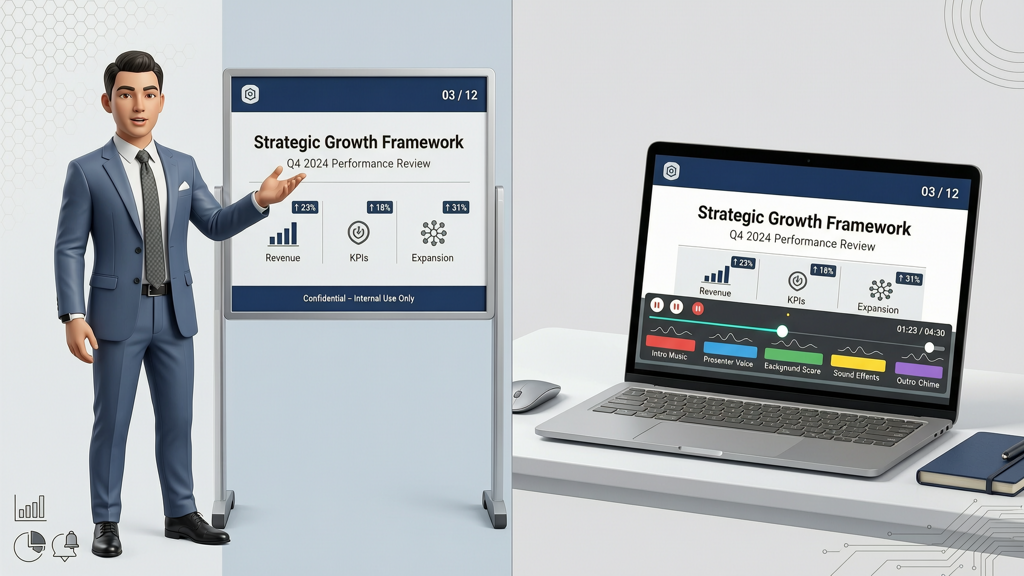
Turning static slides into engaging video presentations is now a core productivity need — whether for internal training, sales outreach, or educational content. Two tools stand out for this task: HeyGen, known for its expressive AI avatars and multilingual voice synthesis, and SlideToTalk, designed for precise, slide-faithful video output with flexible narration options. Neither is universally 'better' — they serve different priorities. This comparison helps you self-select based on your actual needs: Do you need an on-screen presenter? Must narration match your exact vocal tone? Is budget predictability essential? We’ll compare them head-to-head on identical product facts — no hype, no omission.
Avatar Presence: On-Screen Presenter vs Slide-Faithful Rendering
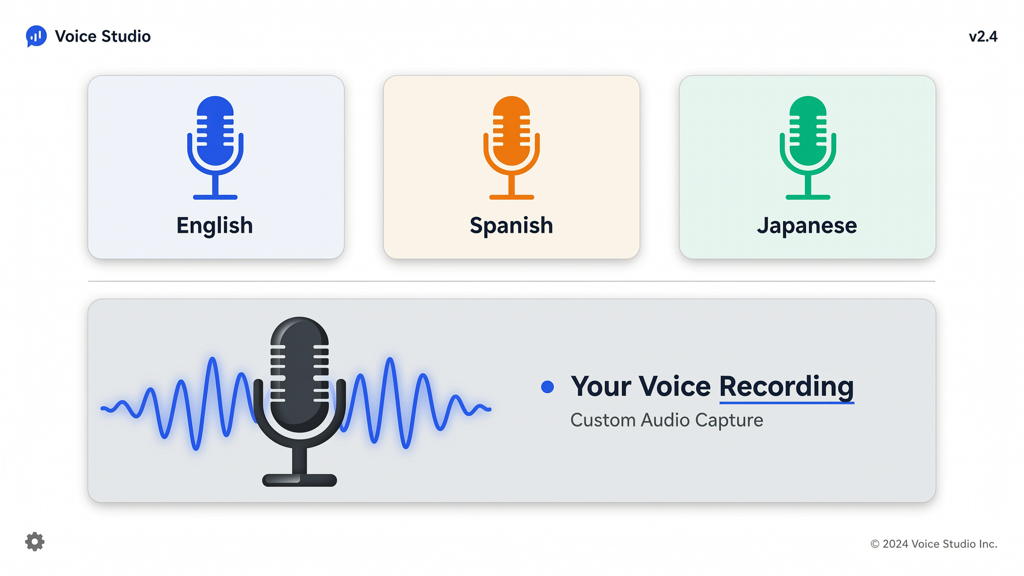
This is the most visible distinction — and often the deciding factor.
- HeyGen centers on AI avatars: photorealistic or stylized digital presenters who gesture, blink, and lip-sync to your script. Avatars appear alongside or overlaid on your slides (depending on layout selection). You cannot disable the avatar entirely — it’s intrinsic to the experience. If your goal is human-like engagement, brand consistency via a recurring digital spokesperson, or multilingual demos with localized presenters, this design delivers.
- SlideToTalk takes a slide-first approach. It renders your PowerPoint or Google Slides exactly as designed — fonts, animations, transitions, and timing — with no overlaying avatar. Narration appears as audio only. The result feels like a polished, narrated slideshow — not a video lecture. This is ideal when fidelity to your original deck matters more than visual presence (e.g., compliance documentation, technical walkthroughs, or investor decks where every chart element must remain unobscured).
Practical tip: Ask yourself: Does adding a talking head enhance clarity and retention for this audience — or distract from data density? If your slides contain complex diagrams, code snippets, or regulatory tables, SlideToTalk’s clean, avatar-free rendering preserves legibility. If you’re targeting broad consumer audiences or need consistent branding across dozens of videos, HeyGen’s avatar may strengthen recall.
Voice Options: AI Voiceover vs Recorded Narration Slides
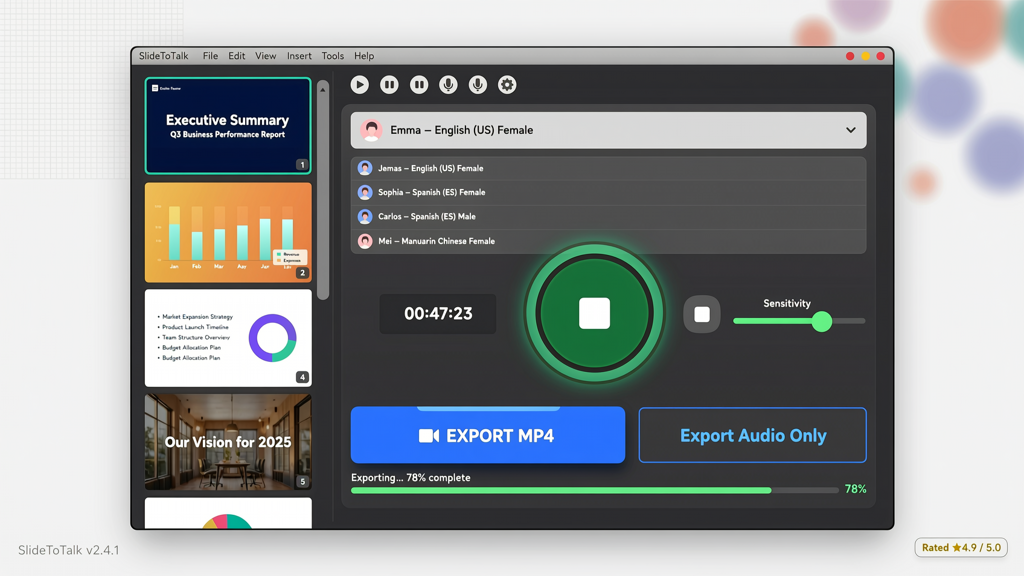
Voice is where workflow flexibility diverges sharply.
- HeyGen offers AI voiceover only — over 300+ voices across 40+ languages. Voices support emotion control (e.g., 'confident', 'friendly'), speed adjustment, and pause insertion. All voices are cloud-based, subscription-included, and require no setup. However, you cannot import or use your own voice recording. There’s no option for human-narrated audio in HeyGen’s core slide-to-video workflow.
- SlideToTalk gives you two distinct paths:
• TTS (Text-to-Speech): Built-in high-quality TTS engines (6 languages supported: English, Spanish, French, German, Italian, Portuguese) — clear, natural-sounding, but limited to those locales.
• Recorded narration: Upload your own voice recordings per slide — no AI involved. You speak naturally, pause where needed, emphasize key terms, and retain full vocal authenticity. This is especially valuable for subject-matter experts, executives, or teams requiring strict tone-of-voice alignment.
AI voiceover vs recorded narration slides isn’t just about preference — it’s about control and context. AI voices scale well for multilingual campaigns or rapid iteration. But recorded narration excels where nuance, authority, or legal precision matters (e.g., “This clause applies *only* to Tier-2 partners” — emphasis you control). SlideToTalk supports both, letting you mix approaches: use TTS for intro/outro slides and your voice for critical sections.
Practical tip: Try recording one slide aloud before choosing. If you find yourself editing pauses, re-recording phrases, or adjusting pacing significantly, AI voiceover may save time. If your delivery conveys unique expertise or brand personality that TTS can’t replicate, recorded narration — available exclusively in SlideToTalk — becomes indispensable.
Pricing, Access & Workflow Realities
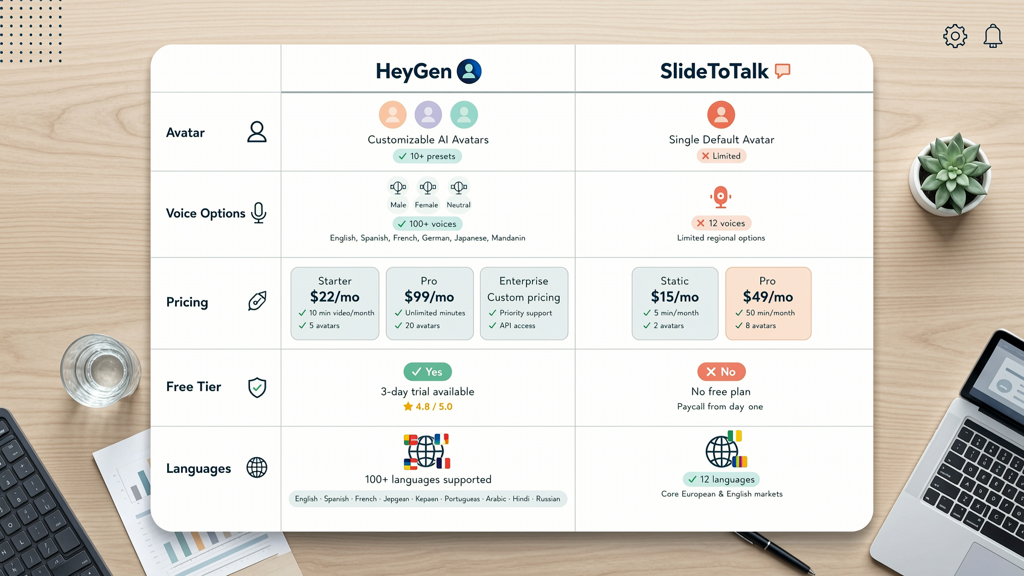
How you pay shapes how you work — and what you own.
- HeyGen operates on a monthly or annual subscription model. Plans include tiered limits on video minutes, avatar usage, and export resolution. All features — avatars, voices, editing tools — are accessible only while subscribed. Canceling terminates access to your project library and exports. HeyGen offers a free tier with watermark and 1-minute video limit — useful for testing, but impractical for production use.
- SlideToTalk uses a one-time purchase model. You buy character packs (e.g., ‘Professional English Male’, ‘Spanish Female’) individually — no recurring fee. Once purchased, you own perpetual usage rights for that voice. The app itself is free to download and use; you only pay for voices you need. There is no watermark on exported videos, even in the free version — though free users get access to basic TTS only (no premium voices or recorded narration upload). Revision workflow is local: edits happen in-app, and exports are immediate MP4 files you fully own.
Key differences at a glance:
| Feature | HeyGen | SlideToTalk |
|---|---|---|
| Pricing model | Subscription (monthly/annual) | One-time purchase per voice pack |
| Free tier | Yes — watermark + 1 min/video limit | Yes — watermark-free, basic TTS only |
| Revision workflow | Cloud-based editing; changes require re-rendering | Local, offline editing; instant preview & export |
| Export ownership | Video files owned during active subscription | Full ownership — no licensing restrictions |
Practical tip: Calculate your annual voice usage. If you produce 12+ videos/year in one language, SlideToTalk’s one-time voice pack (under $50) likely costs less than a mid-tier HeyGen plan. If you regularly switch between 5+ languages or need avatars daily, HeyGen’s bundled access may simplify operations — but verify if your team truly needs all those features before committing.
Language Support & Real-World Fit
Don’t assume 'more languages' always means 'better fit'.
- HeyGen supports over 40 languages — including Japanese, Korean, Arabic, Hindi, and Mandarin — with AI avatars that lip-sync accurately per language. This makes it strong for global marketing or customer-facing multilingual content. However, avatar realism and voice naturalness vary by language — some perform better than others.
- SlideToTalk officially supports 6 languages for TTS: English, Spanish, French, German, Italian, and Portuguese. These cover major EU and Americas markets — and deliver consistently high intelligibility and rhythm. Crucially, recorded narration bypasses language limits entirely: record in any language you speak fluently, then sync it precisely to slides. So while SlideToTalk lists fewer TTS languages, its recorded narration option effectively removes the ceiling — if you have native speakers on your team.
Also consider integration: HeyGen imports PPTX and PDF but may flatten advanced animations or custom fonts. SlideToTalk preserves PowerPoint-native animations (morph, zoom, object-level transitions) and retains font embedding — critical for brand-compliant decks.
Practical tip: Test both tools with your actual slide deck — not a demo file. Import a 10-slide deck with embedded charts, custom fonts, and slide transitions. Time how long each takes to process, check font fidelity, and verify animation timing. That real-world test reveals more than spec sheets ever will.
Which Tool Is Right For You? A Clear Decision Framework
You don’t need the 'best' tool — you need the right tool for your specific use case. Here’s how to choose:
- Choose HeyGen if:
- You want an AI presenter to build brand recognition across videos;
- Your audience spans many languages — and you need synchronized avatars + voices;
- You prioritize speed-to-output over absolute slide fidelity;
- Your team prefers cloud-based collaboration and doesn’t mind subscription management.
- Choose SlideToTalk if:
- You need powerpoint to video without avatar — clean, unobstructed slide rendering;
- You value ai voiceover vs recorded narration slides flexibility — especially the ability to use your authentic voice;
- You prefer predictable, one-time costs over recurring fees;
- Your workflows require offline editing, full file ownership, or strict compliance with internal media policies.
Both tools excel at automating slide-to-video conversion — but they optimize for different outcomes. HeyGen optimizes for presentation as performance. SlideToTalk optimizes for presentation as precision document. Neither approach is outdated or inferior; they reflect divergent professional needs.
If you’re evaluating HeyGen alternatives, SlideToTalk stands apart not by replicating HeyGen’s avatar layer, but by solving the same core problem — turning slides into video — through a different, equally mature philosophy: fidelity first, flexibility second, ownership always. Explore SlideToTalk directly at https://slidetotalk.com to test its free version with your own slides — no credit card required.
In summary: Use HeyGen when you need a digital spokesperson who speaks 40 languages. Choose SlideToTalk when your slides must stay pristine, your voice must be heard, and your budget deserves permanence. Both are capable, stable, and purpose-built — your decision hinges not on capability, but on intention.
Try SlideToTalk free
Upload your PPT, PDF, or images. Add narration with text-to-speech or your own voice, and export a narrated video in one click.
Start for free →