How Real Estate Agents Turn Listing Slides into Narrated Video Tours
Why Static Slides Still Matter — And Why They’re Not Enough

In today’s crowded digital landscape, a high-quality photo deck remains foundational for any property listing. Buyers still rely on clear, well-lit images to assess layout, condition, and ambiance. But static slides — even when beautifully curated — face a hard truth: they don’t hold attention in feeds, rarely get shared, and lack the emotional pull of spoken storytelling.
That’s where the shift happens: not away from photos, but toward them — enhanced by voice, pacing, and purpose. Real estate agents increasingly use their existing slide decks (shot on smartphones or DSLRs, edited in Lightroom or Canva) as raw material for short, narrated property presentation videos. These aren’t virtual walkthroughs. They’re not 3D tours or AI-staged rooms. They’re concise, human-voiced (or AI-narrated), slide-based videos optimized for Instagram Reels, Facebook Carousels, email previews, and MLS syndication.
The value lies in fidelity to reality: no invented furniture, no synthetic lighting, no algorithmic room expansion. Just your authentic listing — elevated through rhythm, context, and clarity.
What This Process Actually Is (And What It’s Not)
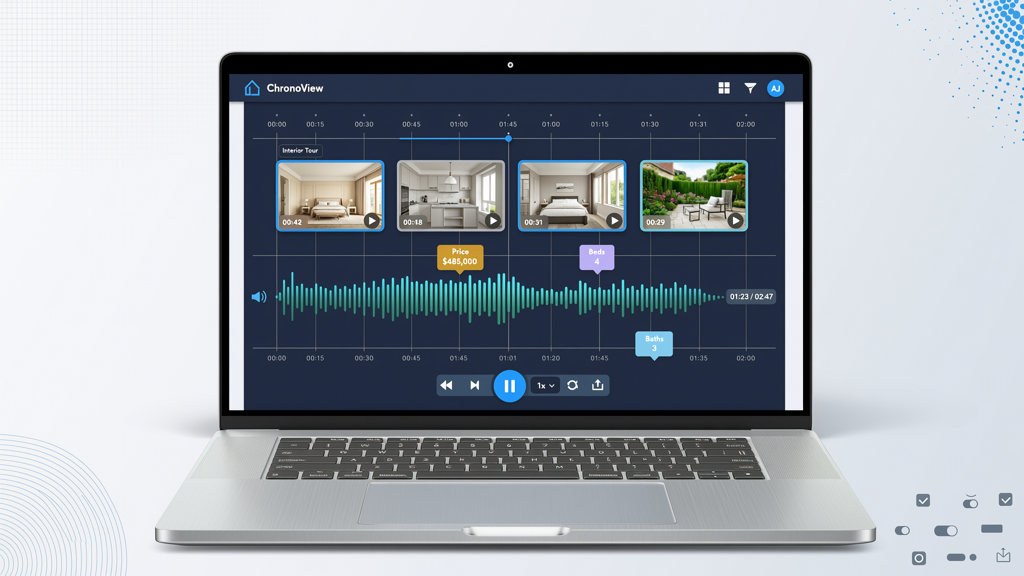
Clarity is critical — especially when tools promise “AI-powered tours.” Let’s define boundaries upfront:
- ✅ It IS: A linear sequence of still images (your existing listing photos/slides), synced to a script or voiceover, with smooth transitions, branded intro/outro, and optional text overlays (e.g., price, beds/baths, neighborhood highlights).
- ✅ It IS: Optimized for under 90 seconds — ideal for social algorithms and mobile-first viewers.
- ✅ It IS: Fully compatible with standard MLS photo uploads; no special hardware or 360° cameras required.
- ❌ It is NOT: A virtual walkthrough (no camera movement, no parallax, no spatial mapping).
- ❌ It is NOT: AI staging — no digitally added sofas, plants, or wall art. Your slides remain unaltered in content and composition.
- ❌ It is NOT: A live-recorded walking tour — no footage, no drone shots, no ambient audio.
This distinction matters because it keeps expectations grounded and execution accessible. You’re not building a film set — you’re amplifying what you already have.
Step-by-Step: From Slide Deck to Narrated Property Presentation Video
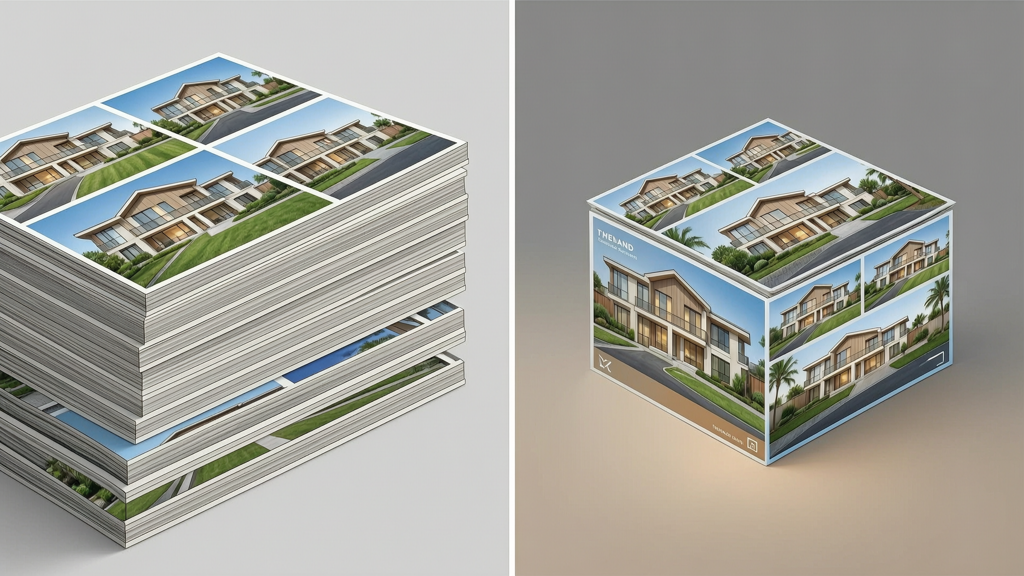
Creating a compelling narrated property presentation video requires intention — not invention. Here’s how top-performing agents do it consistently:
1. Curate & Sequence Your Slides With Narrative Logic
Don’t just order photos by room. Structure them like a story:
- Opening shot: Exterior — inviting, well-framed, showing curb appeal and context (street name, architectural style hint).
- Flow sequence: Front door → entryway → living area → kitchen → primary bedroom → bathroom → backyard → key feature (fireplace, view, renovated closet).
- Closing shot: A warm, aspirational image — sunset over the patio, morning light in the dining nook — paired with your contact info or CTA.
Trim ruthlessly. Six to ten strong images often outperform fifteen average ones. Prioritize clarity over quantity.
2. Write a Tight, Benefit-Focused Script (Under 120 Words)
Your voiceover isn’t a room-by-room inventory. It’s a benefit-driven elevator pitch. Focus on feeling, function, and fit:
- ❌ “This is the living room. It has beige walls and a ceiling fan.”
- ✅ “Open-concept living space flooded with natural light — perfect for hosting or quiet evenings. Notice the seamless flow into the chef’s kitchen.”
Keep sentences short. Use active verbs. Mention neighborhood perks only if relevant (“Walk to cafes and parks” — not “Near amenities”). Read it aloud — if it feels stiff on your tongue, simplify it.
3. Choose Your Narration Style Strategically
You have three reliable options — each with trade-offs:
- Self-recorded voice: Highest authenticity and trust factor. Best for agents with clear diction and a calm, confident tone. Requires minimal gear: a USB mic and quiet room.
- Professional voice actor: Ideal for volume or brand consistency (e.g., all listings sound like one trusted voice). Budget-friendly platforms offer vetted talent starting at $50–$100 per 60-second script.
- AI narration: Fastest, most scalable option — especially for high-volume teams or time-sensitive launches. Modern AI voices now deliver natural cadence, appropriate pauses, and regional accent options (US English, UK English, etc.). Key: choose a voice that sounds warm and knowledgeable — not robotic or overly cheerful.
Whichever you choose, always add subtle background music (low-volume, royalty-free, instrumental) to smooth transitions and reinforce mood.
4. Assemble Using a Real Estate Slide Video Maker
This is where efficiency meets polish. A dedicated real estate slide video maker automates the technical heavy lifting: syncing voice timing to slide duration, applying consistent transitions (fade, push, zoom), adding lower-third text, inserting logo/branding, and exporting in platform-optimized formats (e.g., square 1080x1080 for Instagram, horizontal 1920x1080 for email headers).
One tool built specifically for this workflow is SlideToTalk. It accepts common slide formats (PDF, PowerPoint, Google Slides) and image folders, lets you paste or upload your script, and generates a narrated property presentation video in minutes — no design skills needed. It respects your original visuals: no AI alterations, no forced upscaling, no auto-cropping that cuts off key details. You retain full control over timing, voice selection, and branding elements.
Other options exist — but look for these non-negotiable features in any real estate slide video maker:
- Direct import of image sequences or slide files
- Manual or AI-assisted voiceover sync (not just auto-timed)
- Customizable transition durations per slide
- Text overlay support (for price, sq ft, agent name)
- Export presets for major social platforms and email clients
Practical Tips for Consistency & Impact
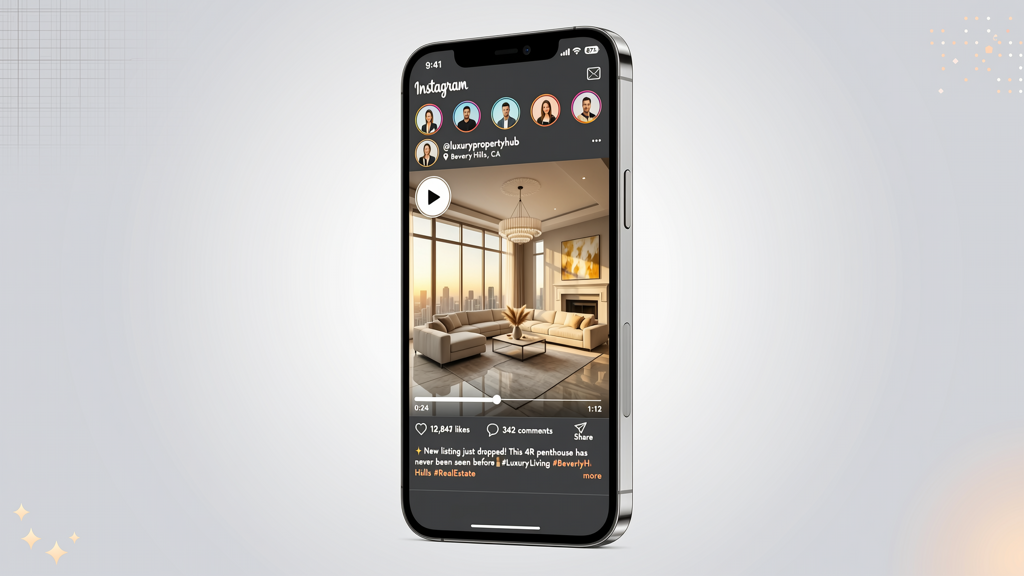
Scaling this process across dozens of listings demands systems — not just software. Try these field-tested tactics:
- Create reusable templates: Build 3–5 branded slide layouts (intro frame, room label, closing CTA) in Canva or PowerPoint. Save them as master files — drop in new photos, update text, and re-import.
- Batch your voiceovers: Record scripts for 5–10 listings in one session. Maintain tone and energy by warming up first and using the same mic/environment.
- Add micro-context with text: Instead of saying “spacious master suite,” overlay “Primary Suite: 18' x 14' | Walk-in Closet | Ensuite Bath”. Viewers scan — give them scannable facts.
- Optimize thumbnails: For email or social previews, use your strongest exterior shot — well-lit, centered, with minimal clutter. Avoid text-heavy frames.
- Track engagement, not just views: Monitor click-through rates from video posts to your listing page or contact form. A 3% CTR suggests strong alignment between visual + voice + offer.
Remember: the goal isn’t virality — it’s conversion. A narrated property presentation video works best when it answers the buyer’s silent question within the first 3 seconds: “Could this be my home?”
Where These Videos Perform Best (And How to Repurpose Them)
A single narrated property presentation video is a versatile asset — not a one-off post. Maximize ROI with smart repurposing:
- Email campaigns: Embed as an auto-playing, muted MP4 in HTML email (supported by Outlook, Gmail, Apple Mail). Include a prominent “Watch Full Tour” button linking to your full listing page.
- Social feeds: Post natively (not as links) to Instagram, Facebook, and LinkedIn. Use caption text to highlight one key selling point (“Move-in ready with new HVAC & roof — see inside”).
- Text message follow-ups: Send a 30-second cut (exterior → kitchen → primary bedroom → CTA) after a showing or inquiry. High open rates, low friction.
- Brokerage portals & IDX sites: Upload alongside photos — many modern MLS integrations accept MP4 uploads directly.
- Retargeting ads: Use the video as creative for Meta or Google Display ads targeting users who visited your site but didn’t contact you.
Pro tip: Export three versions from your real estate listing video from slides source file:
- Full version (60–75 sec): For email and listing pages.
- Social cut (25–30 sec): Front-load the strongest 3 images + hook (“Stunning mid-century gem — just listed!”).
- Audio-only version (.mp3): For WhatsApp or SMS — some buyers prefer listening while commuting or multitasking.
Final Thoughts: Simplicity, Authenticity, and Scalability
Turning listing slides into narrated video tours isn’t about chasing tech trends. It’s about meeting buyers where they are — scrolling quickly, seeking clarity, craving connection. The tools are mature, intuitive, and respectful of your existing workflow. No need to reshoot. No need to stage anew. No need to hire a production crew.
What’s required is intention: choosing the right images, writing words that resonate, selecting a voice that builds trust, and assembling it all with a purpose-built real estate slide video maker like SlideToTalk. When done well, a real estate listing video from slides becomes more than marketing — it becomes a quiet, confident introduction to a place someone might call home.
Start small. Pick one listing. Apply the narrative sequence. Record a clean script. Export. Share. Measure. Refine. Then do it again — faster, sharper, more aligned with how your buyers actually engage with real estate today.
Try SlideToTalk free
Upload your PPT, PDF, or images. Add narration with text-to-speech or your own voice, and export a narrated video in one click.
Start for free →